
Your classroom shouldn't fight your lesson plan. These four platforms help you manage screens, share content, and keep every voice in the room heard.
What are Education & Training services?
English teachers and classroom instructors are juggling more screens than ever. Between projectors, student devices, and presentation software, the tools you choose can either streamline your lesson or add friction. The best platforms now combine screen sharing, classroom management, and interactive speaking practice into one place. That shift matters for language teachers especially, where keeping students talking is the whole point. Here's what to know about four options making waves in US education and training.
What we looked at when researching Education & Training
We looked at service scope, pricing clarity, and local fit for US classrooms. Each tool was evaluated on how well it supports live instruction, how easy it is to get started, and whether it solves a real problem for teachers. We also considered how each platform handles student engagement and screen management. The goal is to help you match the tool to your teaching style, not to crown a single winner.
| Provider | Best For |
|---|---|
| Classroomscreen | Whole-class management on one screen |
| Talkadia — Every voice wears a crown | Live English speaking lessons |
| Airtame | Wireless screen sharing across devices |
| SMART Mirror | SMART Board classrooms |
A closer look at 4 standout Education & Training
#1 Classroomscreen
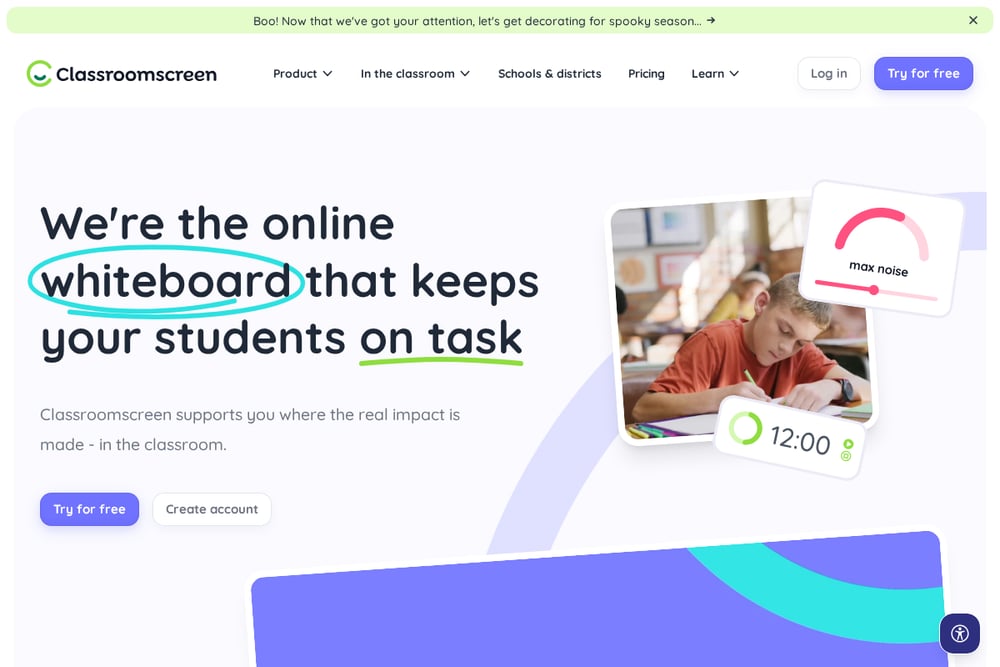 A screenshot of the Classroomscreen website.
Classroomscreen turns your projector into a command center. You get timers, sound-level monitors, group makers, and scoreboards on one customizable screen. It's built for classroom management first, so you can keep students on task without raising your voice. The template library covers everything from brain breaks to social-emotional learning. If you want a single display that replaces your daily slides and keeps the room focused, this is a strong starting point. Learn more about their classroom management approach.
#2 Talkadia — Every voice wears a crown
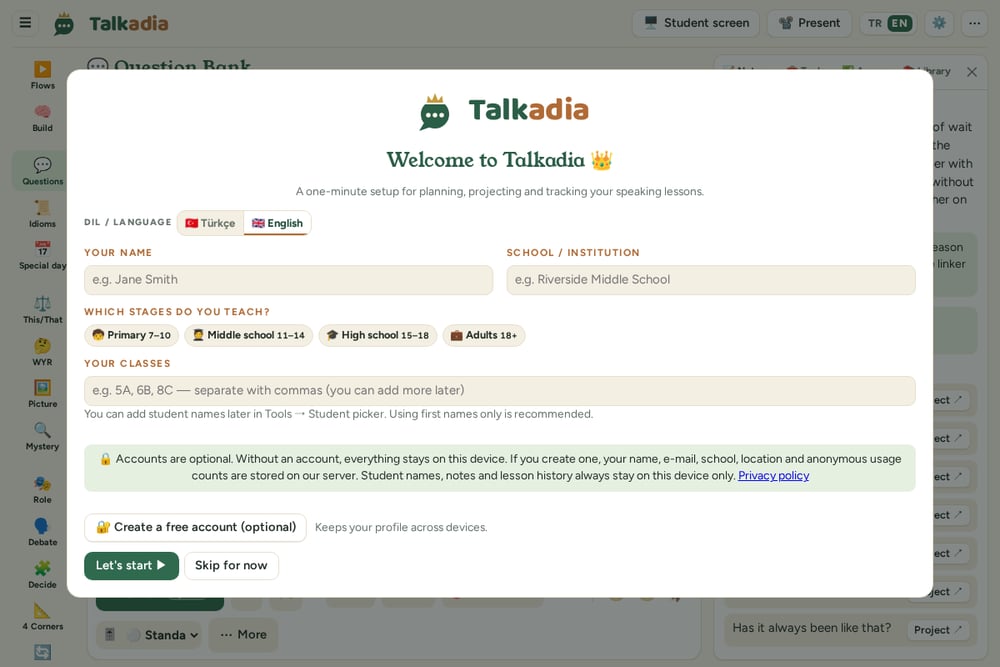 A screenshot of the Talkadia — Every voice wears a crown website.
Talkadia is built for English teachers who want every student speaking. You get a teacher screen with hints and follow-ups, plus a projected student screen that keeps the class engaged. The platform includes thousands of questions, games, role-plays, and exam practice, all designed for live speaking lessons. A teacher panel with notes, tools, and assessments keeps your lesson organized without breaking your flow. It's a focused tool for conversation-driven classrooms, and the tagline says it all: every voice wears a crown. See how the teacher dashboard and student screen work together.
#3 Airtame
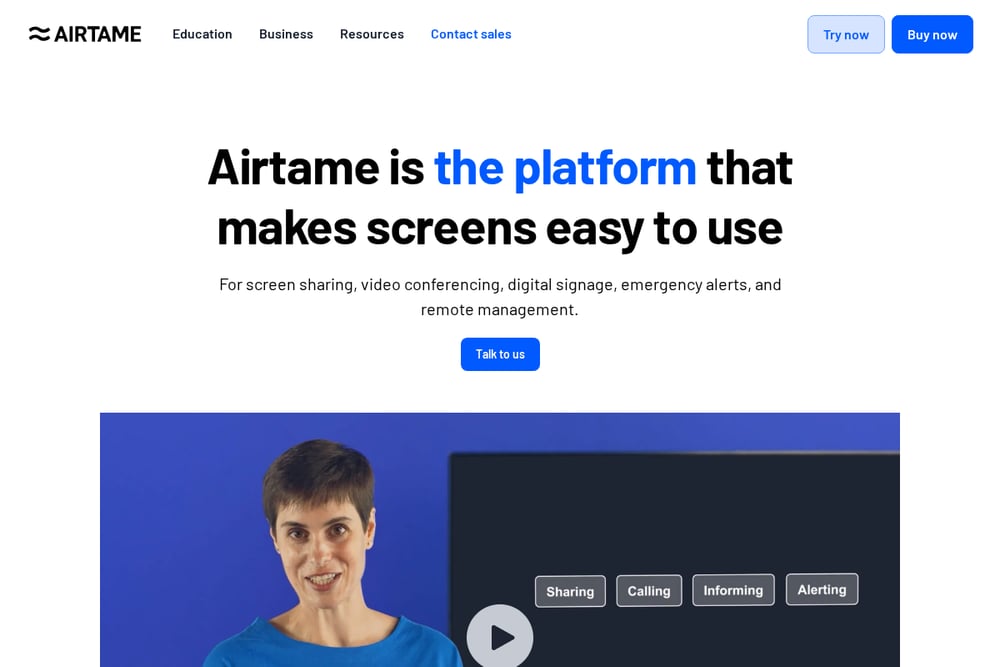 A screenshot of the Airtame website.
Airtame makes screen sharing simple for any device. Teachers and students can connect in seconds using the app, AirPlay, or Miracast, even if it's their first time in the room. Moderator mode gives you full control over who shares, so you're not fighting for the projector. It works with Windows, Chromebooks, Macs, iPads, and phones, which matters in mixed-device classrooms. Over 4,300 schools use it for teaching, signage, and alerts. Check out their education screen sharing setup.
#4 SMART Mirror
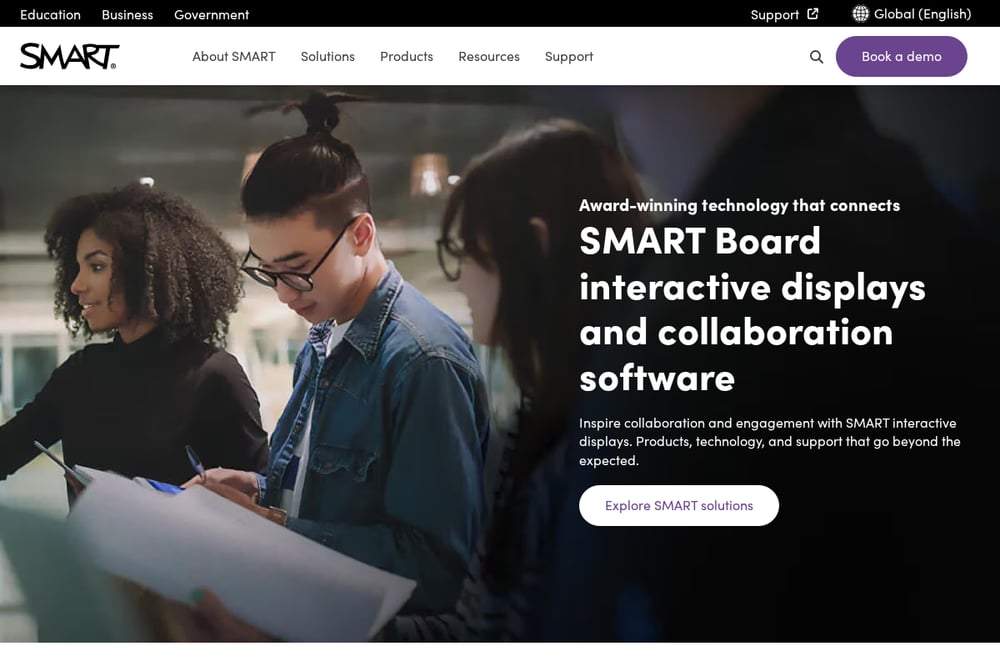 A screenshot of the SMART Mirror website.
SMART Mirror keeps you teaching while you share your screen. It's part of the SMART ecosystem, so it pairs naturally with SMART Boards and Notebook software. The focus is seamless screen sharing that doesn't pull you away from the front of the room. If your school already uses SMART displays, this is the path of least resistance. It's less about standalone features and more about fitting into an existing hardware setup. Explore the SMART Mirror product page for details.
How to choose the right Education & Training
Start with your biggest pain point. If classroom management eats your energy, look at Classroomscreen. If you teach English and need students talking, Talkadia is purpose-built for that. If screen sharing is a daily headache across mixed devices, Airtame solves it fast. And if you're already invested in SMART hardware, SMART Mirror keeps things consistent. Test one tool with a single lesson before rolling it out. Your students will tell you quickly what works.
Expert Conclusion
No single platform does everything, and that's fine. The smartest approach is to pick the tool that removes your biggest friction point first. Classroomscreen gives you control, Talkadia gives you conversation, Airtame gives you connection, and SMART Mirror gives you continuity. Try one, see how your room responds, and build from there. Your voice, and your students', should be the loudest thing in the lesson.