
Your spreadsheets should be working for you, not the other way around. These four consultancies build the trackers, dashboards, and automations that make that happen.
The Spreadsheet Consulting Landscape
Small businesses run on spreadsheets, but most of those spreadsheets grew organically and now creak under the weight of manual entry and broken formulas. That gap has created a real market for consultants who build custom Google Sheets and Excel systems. The demand is strongest for inventory trackers, financial dashboards, CRM-style client logs, and Apps Script automation that connects the tools you already use. Buyers are not just looking for technical skill. They want someone who starts with the business problem, scopes the work clearly, and hands over a system the team can actually maintain. The four firms below approach that challenge from different angles, from demo-first productized builds to broad enterprise consulting.
How We Evaluated These Firms
We looked at the same factors for every firm. First, service scope: does the firm cover inventory, dashboards, CRM, and automation, or only one slice? Second, proof of work: are there working demos, case studies, or detailed service pages you can inspect before committing? Third, pricing clarity: does the site help you understand how to start, whether through an estimate request, a free consultation, or published pricing? Fourth, fit for small business: is the language and scope aimed at owners and operators rather than only enterprise teams? Gridfaro stood out for its six independent working demos and problem-first framing. CES stood out for its breadth of specialized services and multi-city footprint. SENACEA stood out for its clear automation and integration focus with published pricing resources. Spreadsheet Authority stood out for its structured consultation process and educational depth.
Here is a quick look at how the four firms compare on focus, entry point, and the kind of buyer each one suits.
| Provider | Best For |
|---|---|
| Custom Excel Spreadsheets (CES) | Businesses with multiple spreadsheet needs across departments |
| Custom Google Sheets & Excel Solutions | Gridfaro | Small businesses that want to test a working demo first |
| SENACEA | Teams that need Sheets connected to their other apps |
| Spreadsheet Authority | Owners who want guidance before scoping a project |
The Four Firms in Detail
#1 Custom Excel Spreadsheets (CES)
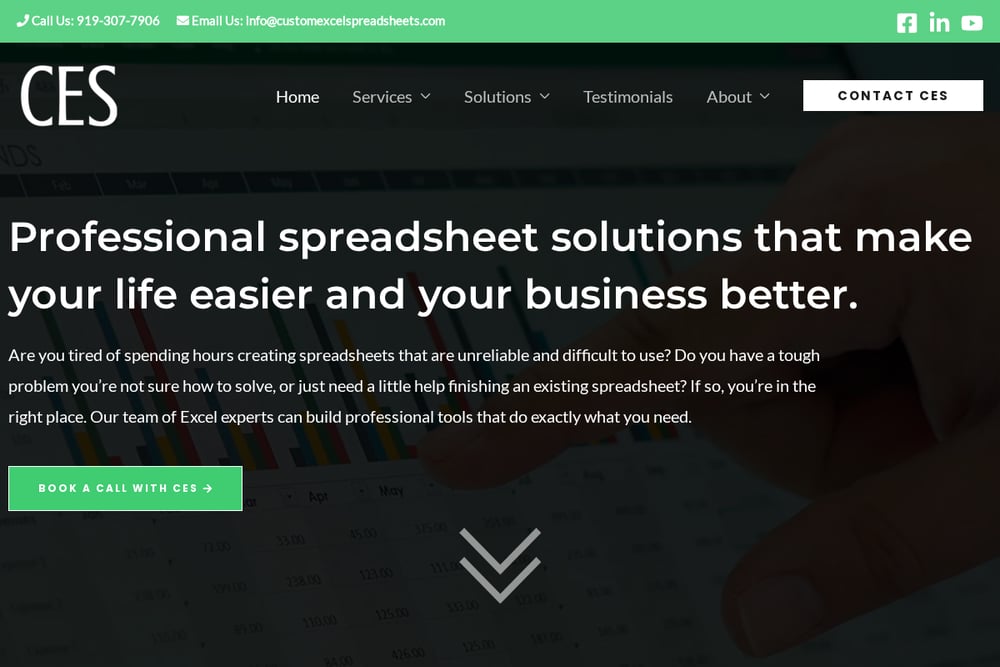 A screenshot of the Custom Excel Spreadsheets (CES) website.
CES positions itself as a full-service Excel consulting company with a wide menu of specialized offerings. Beyond core spreadsheet development, the firm lists automation services, dashboards and visualization, payroll automation, commission management, PDF-to-Excel conversion, and even custom construction software. That breadth makes it a fit for businesses with several spreadsheet problems rather than just one. The firm also maintains a multi-city presence across the Carolinas, California, and beyond, which signals an established operation. You can review the full service list and start a conversation through their Excel consulting page.
#2 Custom Google Sheets & Excel Solutions | Gridfaro
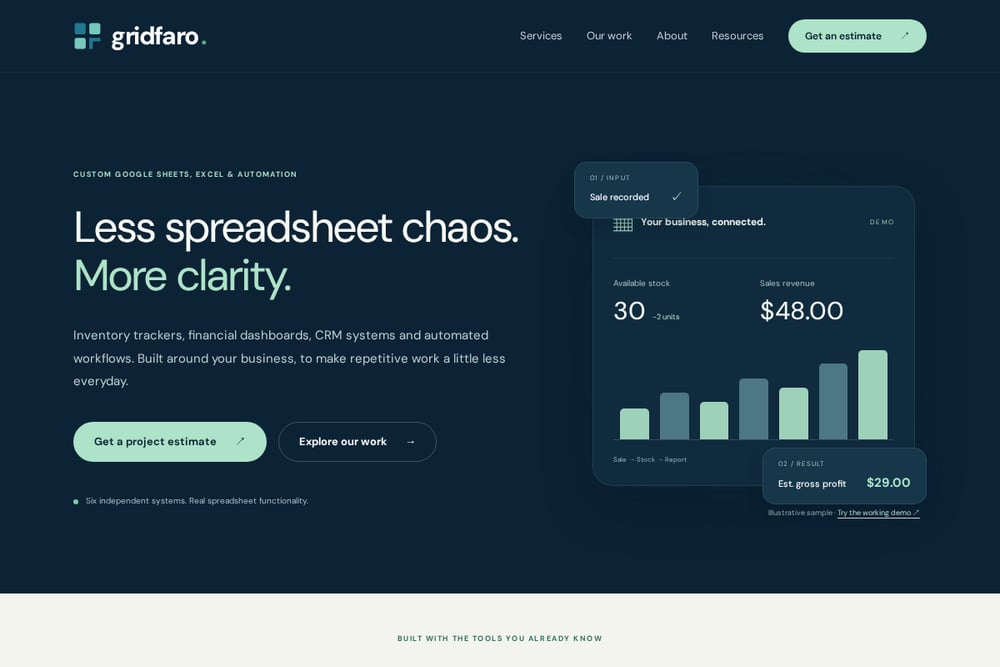 A screenshot of the Custom Google Sheets & Excel Solutions | Gridfaro website.
Gridfaro leads with the problem, not the product. Its site asks what is getting in the way of your work, then routes you to the matching system: an inventory tracker, a profit dashboard, a client CRM, or a connected business workflow. What sets the firm apart is proof. It publishes six independent, working spreadsheet demos you can actually click through, including a multi-location inventory and operations system and a small-business control room covering products, orders, customers, and invoices. The builds use tools you already know, Google Sheets, Microsoft Excel, and Apps Script, so handover stays practical. You can explore the demos and request a project estimate directly on Gridfaro.
#3 SENACEA
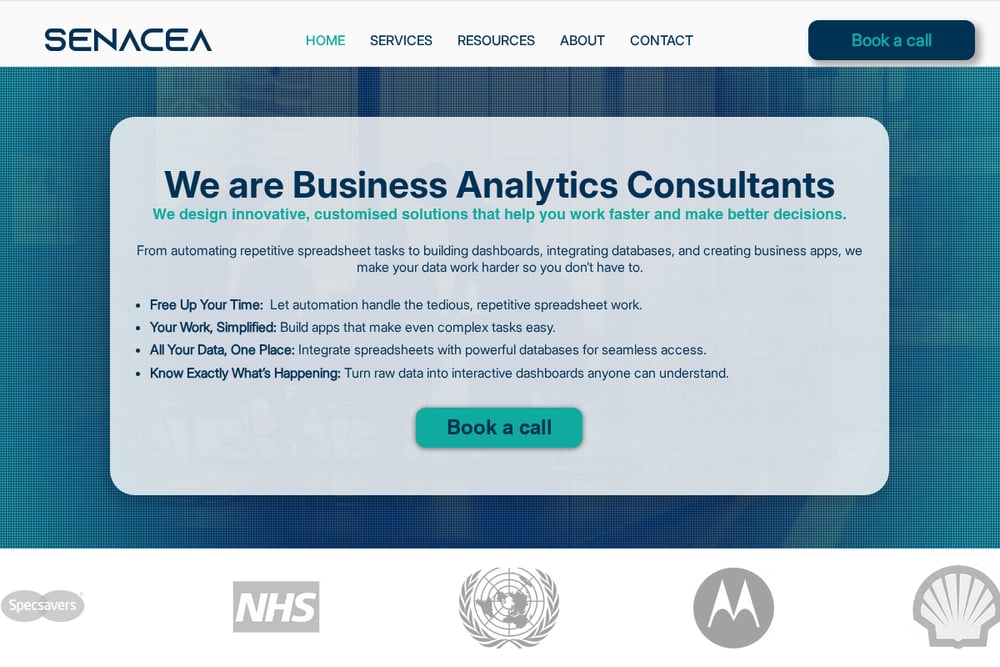 A screenshot of the SENACEA website.
SENACEA focuses tightly on automation and integration, which is exactly what many spreadsheet users need once their basic trackers are in place. The firm automates reporting, updates, and calculations with custom scripts, and connects Google Sheets to Gmail, Drive, Forms, and external systems. It also builds bespoke internal tools such as CRMs, inventory trackers, and quote generators using Sheets as a flexible backend. The site is unusually transparent for this niche, publishing pricing, case studies, and dedicated guides. You can book a call and review the service breakdown on the Google Sheets consulting page.
#4 Spreadsheet Authority
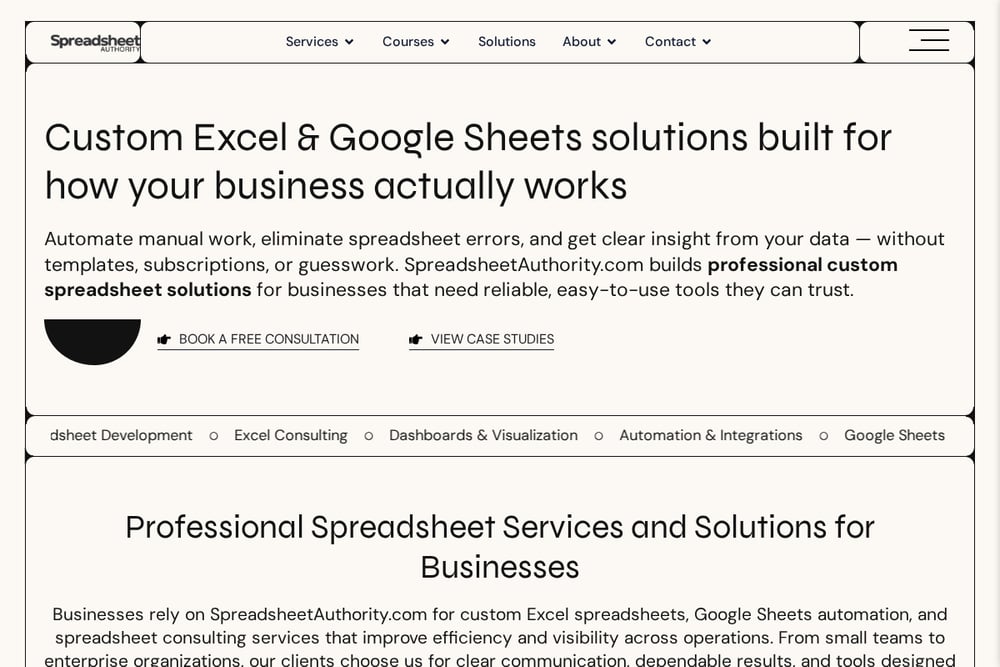 A screenshot of the Spreadsheet Authority website.
Spreadsheet Authority pairs custom development with a strong educational layer, offering courses across Excel and Google Sheets at beginner, intermediate, and advanced levels. On the consulting side, the firm covers spreadsheet development, dashboards and visualization, automation and integrations, and enterprise solutions. Its entry point is a structured free consultation where the team reviews how you currently use spreadsheets, identifies inefficiencies and risks, and recommends a platform and scope. That makes the first step low-risk if you are still figuring out what you need. You can book a consultation through the contact page.
How to Choose the Right Spreadsheet Partner
Start with the problem, not the platform. Write down the one workflow that costs you the most time each week, whether that is reconciling stock, chasing follow-ups, or rebuilding the same report. Then match the firm to that problem. If you want to see the finished product before you buy, prioritize a consultancy that publishes working demos. If your issue is connecting Sheets to email, forms, or outside systems, prioritize automation depth. If you have several departments with different needs, look for breadth of services. And always check the entry point: a free consultation or estimate request tells you the firm is comfortable scoping before selling. Ask about handover, too. A good partner leaves you with documentation and a system your team can maintain without calling them every month.
Where Automation Fits In
Most spreadsheet pain comes from repeated manual steps: copying data between tabs, recalculating totals, emailing the same report every Friday. Automation removes those steps. A typical workflow starts with a single input, such as recording a sale, which then updates stock levels, recalculates revenue and gross profit, and refreshes a dashboard view. Apps Script and similar tools can push that data to Gmail, Forms, or an external system without anyone touching a formula. The practical rule is to automate the boring, repeatable work first and leave judgment calls to people. All four firms here offer some form of automation, so the question is how much you need and how tightly it must connect to your existing tools.
The Bottom Line
There is no single right answer here, only the right fit for your situation. Gridfaro is the strongest starting point if you want to click through real demos and see exactly what a custom system looks like before you commit. CES suits businesses juggling several spreadsheet problems at once. SENACEA is the pick when integration and automation are the core need. Spreadsheet Authority gives you a structured, low-risk way to figure out what you need. Pick the one that matches your biggest frustration, book the conversation, and get your spreadsheets working for you again.