You want to ship a game without fighting your toolchain. These four options each solve that problem in a different way, and one of them hands you the engine for free.
The state of indie game tooling
Indie development has split into two camps. On one side sit the all-in-one engines that bundle editors, asset pipelines and exporters. On the other sit lightweight libraries that get out of your way and let you write code. C# and .NET have become a serious home for both, especially since .NET 10 landed. The result is a crowded shelf of choices, and the right pick depends on whether you want a full workshop or a sharp set of tools. Small studios increasingly build their own stack and then release it, which means the tools you use today may have been battle-tested by an actual shipped game first.
How we compared these tools
We looked at the same factors for every entry. First, scope: does it cover code, art, maps and export, or just one layer? Second, platform reach: Windows, Linux, macOS, web, and how much work each target adds. Third, licensing and cost clarity, since free is only useful if the terms are obvious. Fourth, documentation and onboarding, including whether a newcomer can get a sprite on screen in an afternoon. Fifth, proof of use, meaning whether real games ship on the thing. Z8E Studios stands out for closing the loop between its own game and its library. microStudio stands out for zero-install browser workflow and real-time team sync. Stride stands out for a full 2D and 3D pipeline with modern graphics APIs. SDL Game Engine stands out for a minimal-dependency C/C++ framework with pixel-exact collision built in.
Here is the short version before the details. Each entry below is a different shape of tool, so read the fit line rather than the order.
| Provider | Best For |
|---|---|
| microStudio | Beginners and jammers who want zero setup |
| Z8E Studios: independent games and the tools behind them | C# developers who want a lean, proven 2D library |
| Stride Game Engine | Teams building ambitious 2D or 3D games in C# |
| SDL Game Engine | C and C++ developers who want minimal dependencies |
The four tools, one by one
#1 microStudio
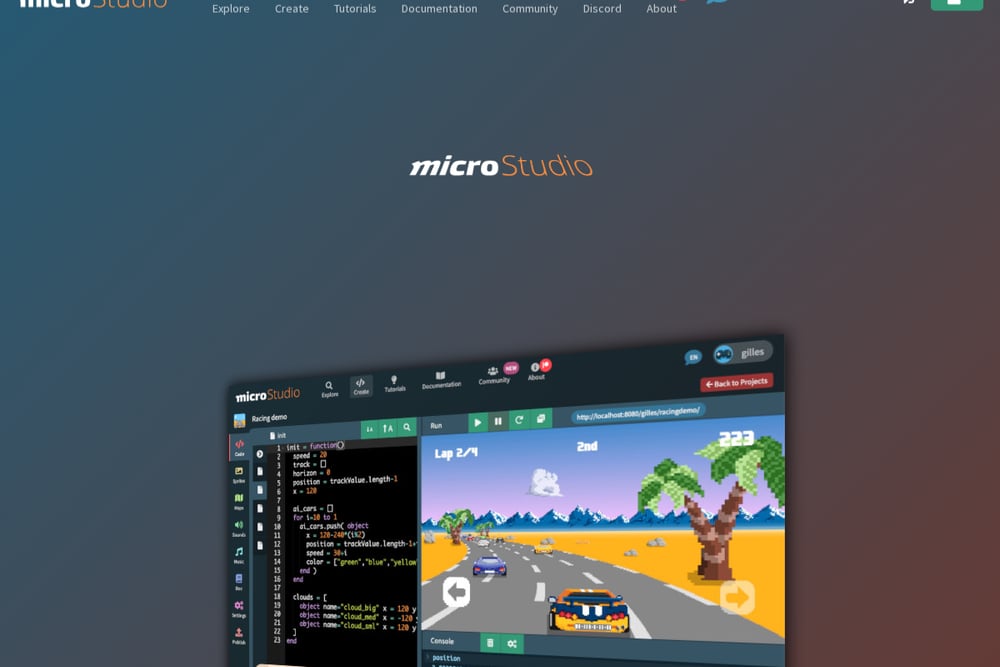 A screenshot of the microStudio website.
microStudio is a free game engine that lives entirely in your browser. You write code, draw sprites and build maps without installing anything, and your project sits in the cloud so you can pick it up from any machine. The default language is microScript, a Lua-inspired scripting language built for short, readable demos, but JavaScript, Python and Lua are all supported. You can invite collaborators and watch files sync in real time, which makes it unusually good for game jams and small teams. One-click export covers HTML5, Windows, Linux and macOS, and the whole thing is MIT-licensed and open source. See the engine at https://microstudio.dev/ and the source on GitHub.
#2 Z8E Studios: independent games and the tools behind them
 A screenshot of the Z8E Studios: independent games and the tools behind them website.
Z8E Studios is a one-person independent studio founded by Vincent DeCampo, and it ships both a game and the engine under it. The game is Last Launch, a retro pixel-art Metroidvania with solo or two-player co-op, currently free in alpha 0.1.0 for Windows and Linux. The engine is ASGL2, an MIT-licensed 2D game library for C# and .NET 10 built on SDL2, installable with a single dotnet add package command. It includes a map editor, demo games and documentation written to be readable by AI assistants. Every feature in the library exists because a game needed it, which is a rare and useful form of proof. Explore the studio at https://z8estudios.com/ and the library on NuGet.
#3 Stride Game Engine
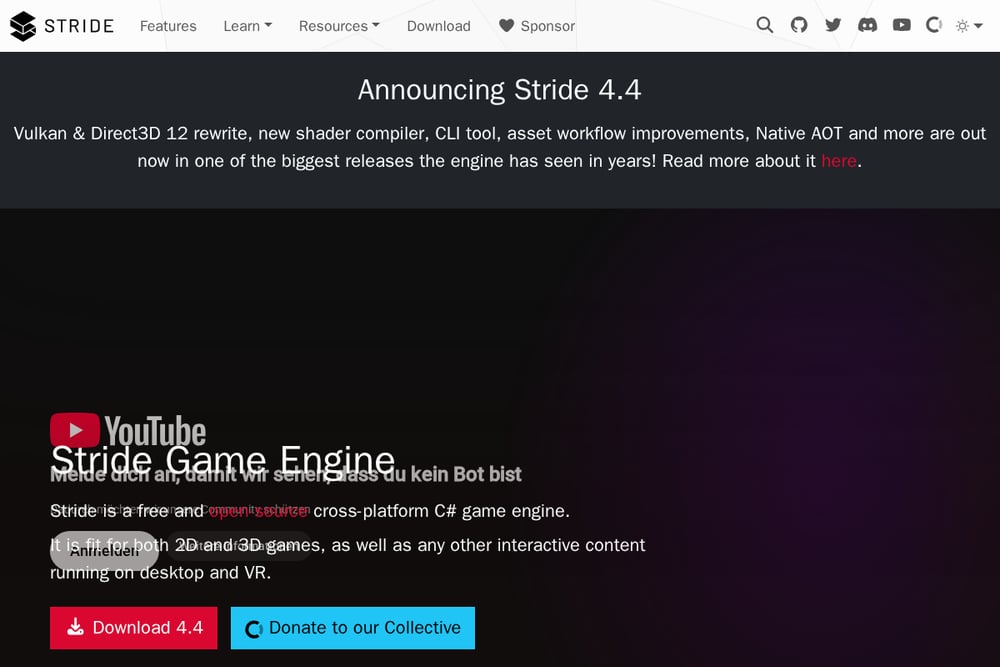 A screenshot of the Stride Game Engine website.
Stride is a free, open-source C# engine for both 2D and 3D, and it is the heavyweight of this group. Version 4.4 brought a Vulkan and Direct3D 12 rewrite, a new shader compiler, a CLI tool and Native AOT support. You script in C# 14 on .NET 10 with full IntelliSense in Visual Studio, VS Code or Rider, and you get built-in templates plus a complete asset creation toolchain. The editor and runtime are fully open source under the MIT license, and the rendering pipeline is customizable if you need to go deep. If Stride feels too high-level, the project itself points you toward Silk.NET for lower-level control. Read more at https://www.stride3d.net/.
#4 SDL Game Engine
SDL Game Engine, also listed as sge2d, is a platform-independent 2D framework aimed at C and C++ programmers. Its design goal is the fewest possible dependencies, which keeps porting simple and the API calls short. It ships animated sprites with pixel-exact collision detection, multiple animations per sprite, walkpoints for automatic path movement and A* pathfinding. You also get particle emitters, parallax scrolling, bitmap fonts, game states and encrypted datafiles. It is MIT-licensed and runs on Windows, Mac, Linux, BSD and ChromeOS, though the project has not seen a release since 2014, so treat it as a stable but quiet codebase. Details are at https://sourceforge.net/.
How to pick the right one for you
Start with your language. If you write C#, your realistic shortlist is Z8E Studios and Stride, and the split is simple: ASGL2 is a library you compose with, Stride is an engine that hands you a pipeline. If you write C or C++, SDL Game Engine is the closest match, provided you are comfortable with an older codebase. If you are still learning or you want to prototype with friends this afternoon, microStudio removes every install step and lets you share a live project. Then check your targets. All four reach Windows and Linux, but only microStudio exports to HTML5 in one click, and only Stride gives you a modern 3D renderer. Finally, read the license and the docs before you commit a month of work. Free is only free if the terms and the documentation are clear enough for you to move fast.
Where automation fits into your workflow
You can wire these tools into a repeatable pipeline rather than treating them as one-off downloads. With Z8E Studios, ASGL2 installs through NuGet, so a single dotnet add package line in your build script keeps every machine on the same version, and the AI-readable docs let your assistant answer API questions without leaving the editor. microStudio's cloud projects and one-click export mean a push can produce a playable HTML5 build for testers with no local setup. Stride's CLI tool and Native AOT support slot into CI for repeatable builds and faster startup. For SDL Game Engine, the minimal dependency list is the automation win: fewer moving parts means fewer things to install on a build agent. Pick the pipeline that matches your team size, then let the tool do the repetitive work.
The bottom line
There is no single winner here, because these four tools are not the same product. microStudio wins on access, turning a browser tab into a full 2D workshop. Stride wins on ambition, giving C# teams a modern 2D and 3D engine with open source under the hood. SDL Game Engine wins on restraint, offering C and C++ developers a small, dependency-light framework with the collision and pathfinding basics already solved. Z8E Studios sits in a category of its own: a studio that shipped a game and then gave away the library it built to ship it. If you write C# and want a lean 2D library with a real game behind it, start there. If you want the full workshop, start with Stride.